

Here is the video going over all the the examples in this post (It may be easier to see the examples with each of their results) :
Before we dive in, I have the database schema included here below for easy reference just in case it helps (Note that the highlighted fields in bright yellow are from the adjustments that I made to the original set of data before I populated the database. It won’t affect anything here.):

Alright, let’s get started. The UNION operator is used to combine multiple SELECT statements into one (this can be two or more).
There are rules to keep in mind when using the UNION operator:
- You must have the same number of columns for each SELECT statement that is being combined and they must have similar data types.
Also an important note is that by default, UNION will return distinct results. If you want to see all the results including duplicates, you will need to use UNION ALL.
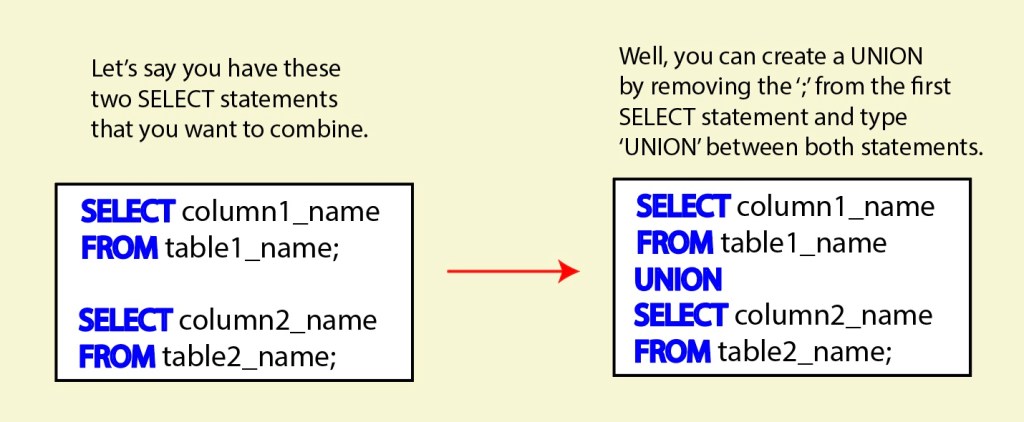
Below is the general format for unions. The result of this statement would return a list of column1_name from the first SELECT statement and column2_name of the second SELECT statement in a single column. The name of the returned column would take the name of the first SELECT statement (so, it will show as ‘column1_name‘), which may not be the most relevant name for that combined list. It would be useful to then use an alias (this would be done on the first SELECT statement) in order to create a name that makes the most sense for the returned results.
The UNION examples below are the ones reviewed in the video, one by one. So, if you’d like to see a walk through for each of these, please feel free to view.

That’s a wrap for my notes for now.
Thanks for learning with me, friends :).
Until next time.

 Catty Learns Code